How to Choose and Apply Themes
Apply and customize color themes for your terminal recordings
Overview
Control terminal colors using built-in themes.
Getting Started
Use the Set Theme command in your tape file:
Output demo.gif

Set Theme "Dracula"     # Dark theme with purple accents
Set Cols 100
Set Rows 30

Type "echo 'Hello, World!'"
Enter
Wait
List all available themes:
vcr themes
This prints a table of all 10 built-in themes with each theme's name and its background/foreground hex colors.
Built-in Themes
VCR# includes 10 themes. Use the exact name in Set Theme and --set Theme=. Theme names are case-insensitive, but every value passed to Set must be quoted — including single-word names (Set Theme "Dracula").
Each preview below was generated by running samples/docs/themes-gallery.tape with --set Theme=<name>:
Default — VS Code Dark+ (used when no theme is set)
Dracula — Dark purple theme
Monokai — Dark warm colors
Nord — Arctic blue-tinted dark theme
Gruvbox Dark — Retro warm dark theme
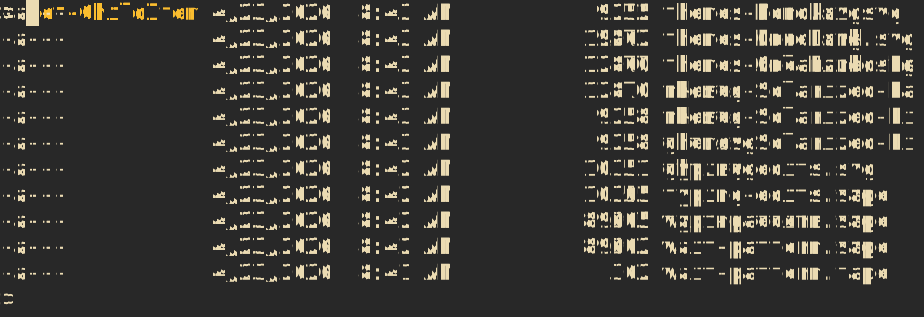
Solarized Dark — Precision dark theme
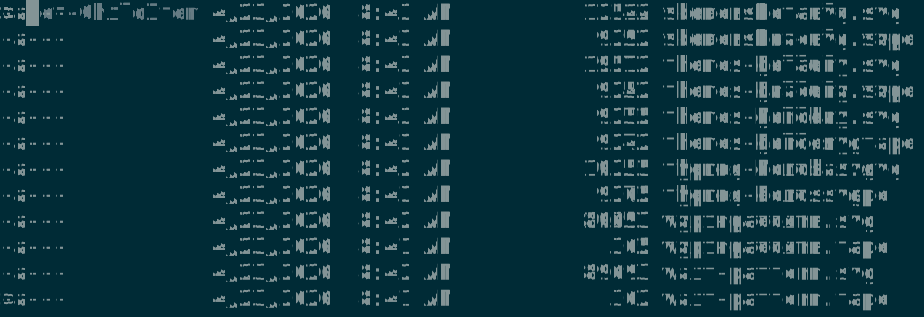
Solarized Light — Light variant of Solarized
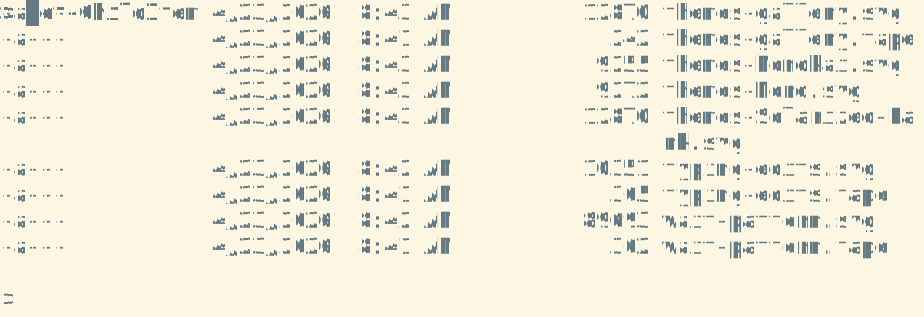
One Dark — Atom's dark theme
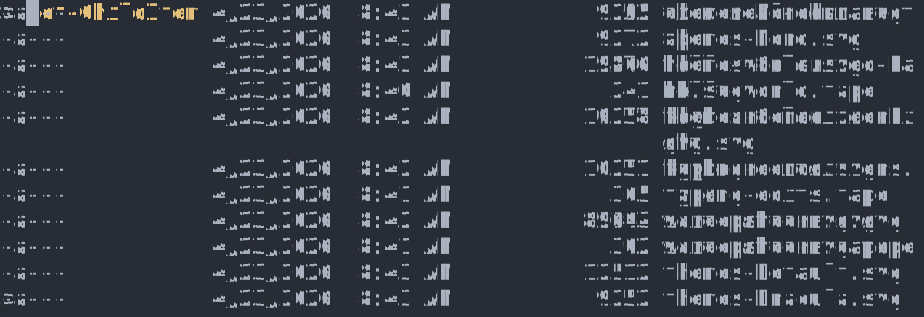
Tokyo Night — Dark with purple/blue accents
Catppuccin Mocha — Pastel dark theme
Choose Your Theme
| Use Case | Recommended Themes | Why |
|---|---|---|
| Documentation | Default, Solarized Light | Readable on light or dark page backgrounds |
| Presentations | Nord, Solarized Dark | Professional, calm colors |
| Social Media | Tokyo Night, Catppuccin Mocha | Vibrant, eye-catching |
| Brand Colors | Closest match | Override with CLI as needed |
Testing Themes with CLI Overrides
Change the theme without editing the tape file:
vcr demo.tape --set Theme=Dracula -o dracula.gif
vcr demo.tape --set Theme=Monokai -o monokai.gif
Generate multiple themed versions in a loop:
for theme in Dracula Monokai Nord "Gruvbox Dark"
do
  vcr demo.tape --set Theme="$theme" -o "demo-$theme.gif"
done
CLI overrides take precedence over tape file settings.
What Themes Control
Themes set:
- Foreground - Main text color
- Background - Terminal background color
- ANSI colors - 16 standard terminal colors (black, red, green, yellow, blue, magenta, cyan, white, and bright variants)
All other visual settings (font size, padding, border radius) are independent of themes.
Transparent Backgrounds
Remove the background color while keeping text colors from the theme:
Set TransparentBackground true
Set Theme "Dracula"
Use cases:
- Embedding recordings in web pages with custom CSS backgrounds
- Creating videos with custom backgrounds
- Compositing multiple recordings together
Example: Match Presentation Background
# For light backgrounds (Google Slides, PowerPoint with light theme)
Set Theme "Solarized Light"

# For dark backgrounds (Dark mode presentations)
Set Theme "Dracula"